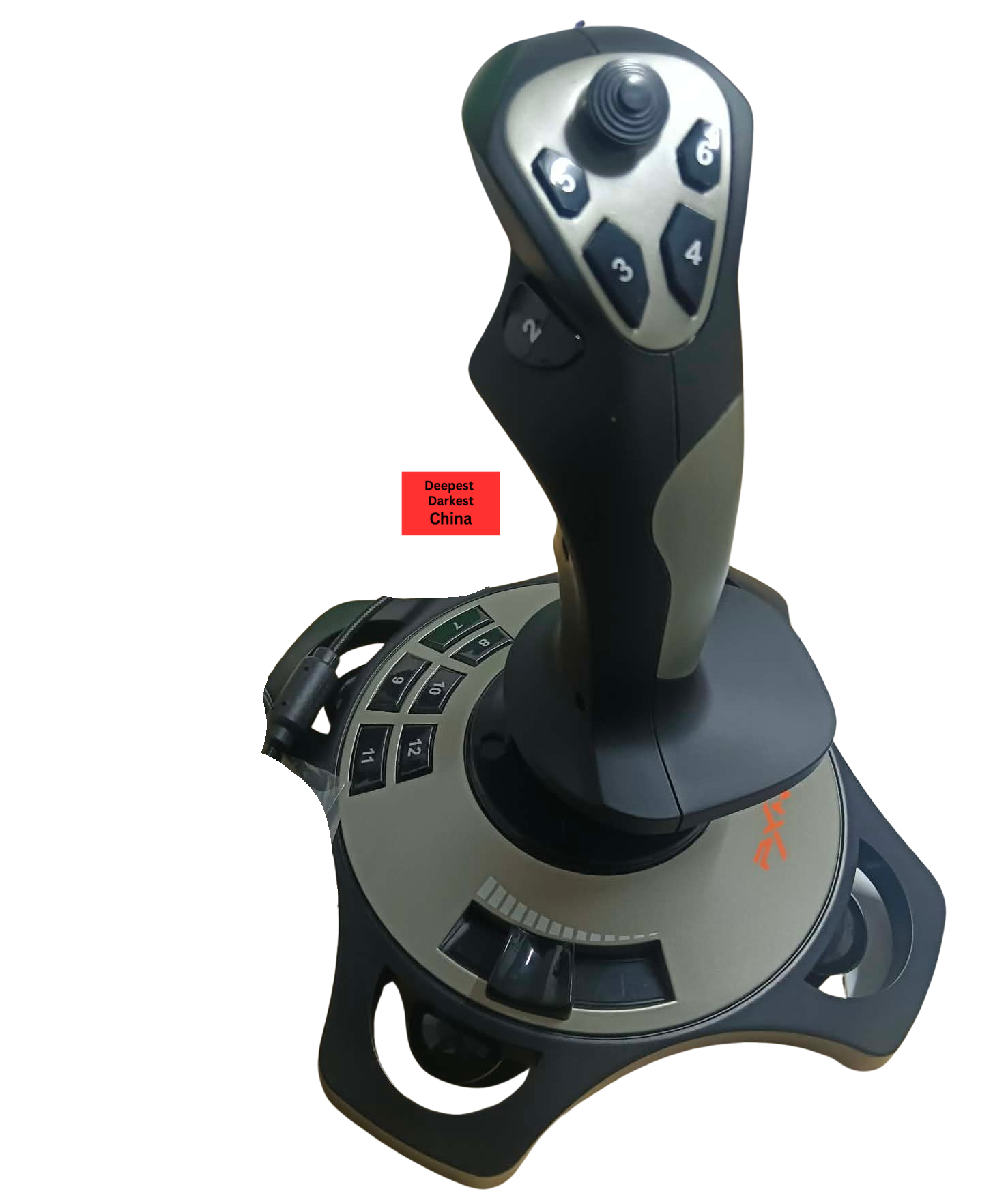
Finding an affordable flight stick can be challenging, particularly for newcomers who are unsure whether they want to invest heavily in flight simulation hardware. The PXN-2113 Pro Flight Stick positions itself as a budget-friendly alternative, offering a full flight control experience without the premium price associated with enthusiast-grade equipment.
Designed for flight simulators, aviation games and space combat titles, the PXN-2113 Pro includes a traditional joystick layout with integrated throttle control, a POV hat switch and multiple programmable buttons. In this review, we’ll take a closer look at the joystick’s design, features and performance to determine whether it offers good value for beginner and casual virtual pilots.
Who makes the PXN-2113 Pro Flight Stick?
The PXN-2113 Pro Flight stick is manufactured by Shenzhen PXN Electronic Technology Co., Ltd., a Chinese gaming peripheral company founded in 2004 and headquartered in Shenzhen, China.
PXN specialises in affordable gaming accessories including steering wheels, flight sticks, game controllers and arcade-style peripherals. Over the years the company has expanded internationally, with products sold throughout Asia, Europe, North America and other regions through online retailers and distributors.
PXN maintains an official website, social media accounts, active LinkedIn presence, and regularly attends international gaming and simulation trade shows, including Gamescom and the Sim Racing Expo, where it showcases its latest products.
Technical Specifications
- Connection Method: USB Wired Connection (1.8m)
- Officially supported OS: Windows XP, 7, 8 , 10, 11, (Works on Linux)
- Product Dimensions: 185mm x 185mm x 225mm
- Product Weight: 495g
- Operating Current: ≤20mA (Normal), ≤100mA (Vibration)
- Operating Environment: 10-40°c, 20~80%
- Vibration Function: Switchable
Unboxing
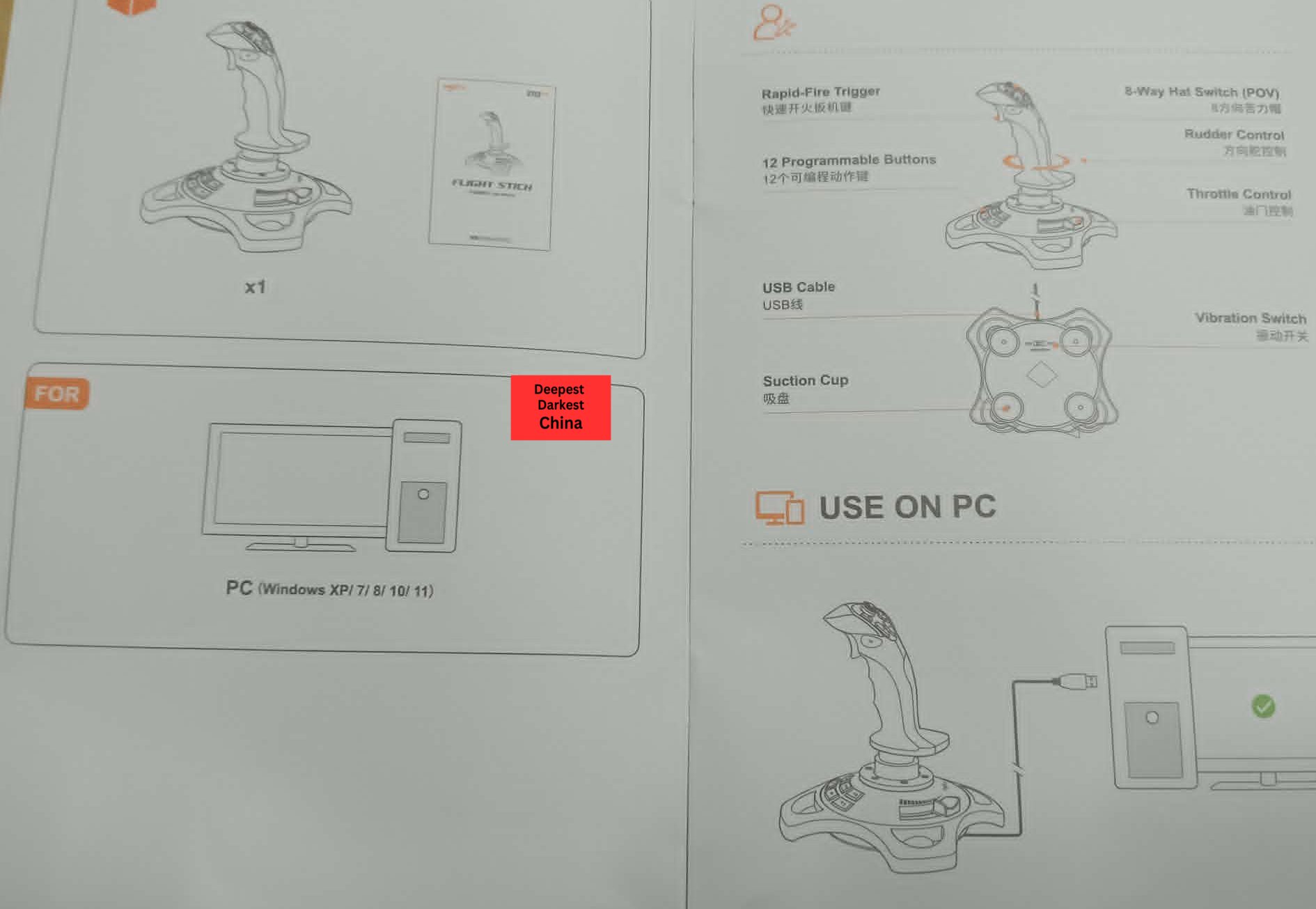
Despite the joystick box taking a beating on its journey from China, it arrived undamaged. Opening the box we see the top of the joystick and a basic manual to get started. No extra accessories or foam.
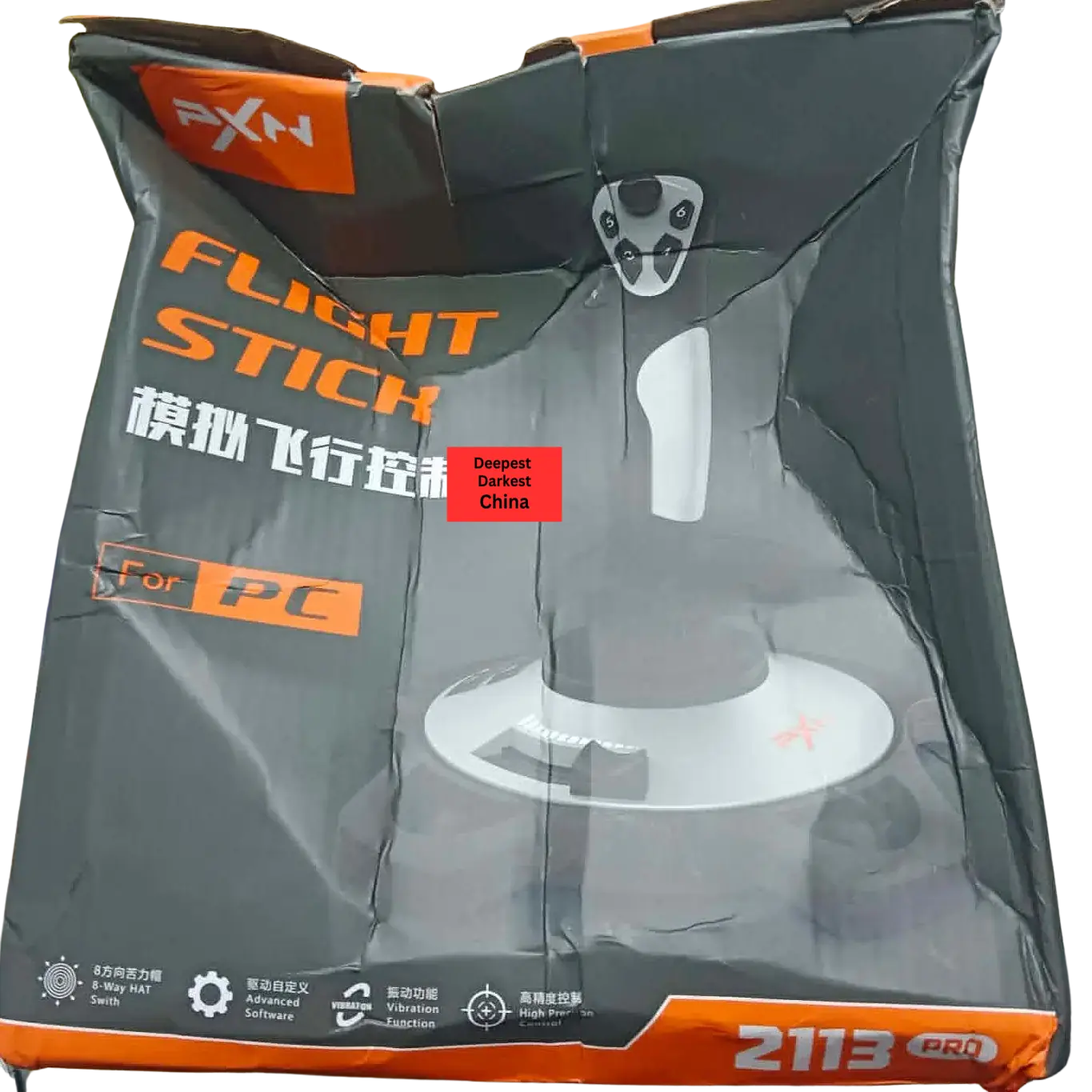
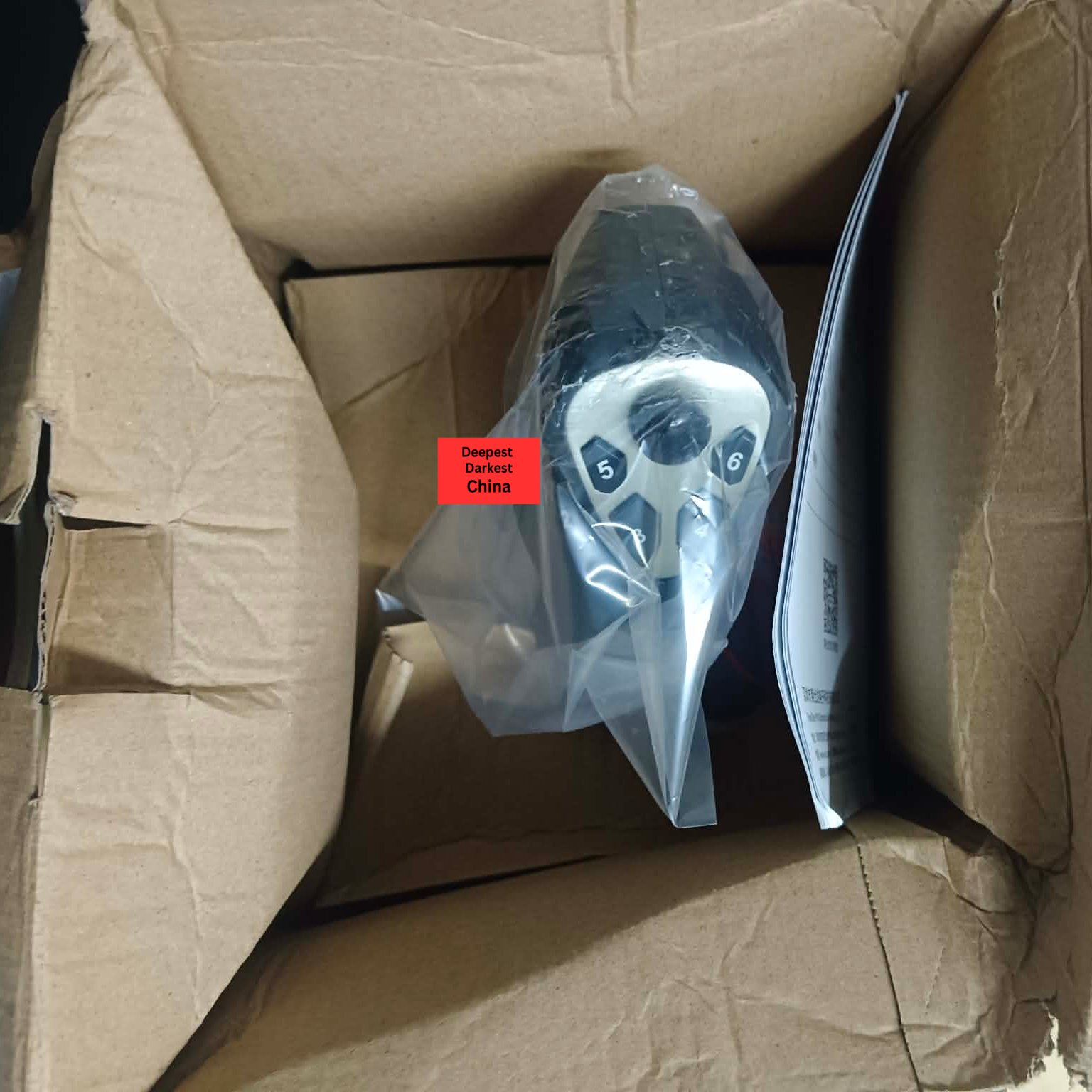
While the packaging is straightforward and focused on function, the stick arrived arrived fully assembled and ready to use, which cannot be said for every device on the market.
Box Contents:
1x Joystick
1x Multi Language Manual
I did have to laugh that the setup instructions of the Joystick is essentially plug it into a computer, which isn’t that far from the truth.
First Impressions
The first thing that stands out is the surprisingly solid construction considering the price point. While the joystick is primarily made from plastic, it feels sturdy, well assembled, smooth and does not creak when operated.
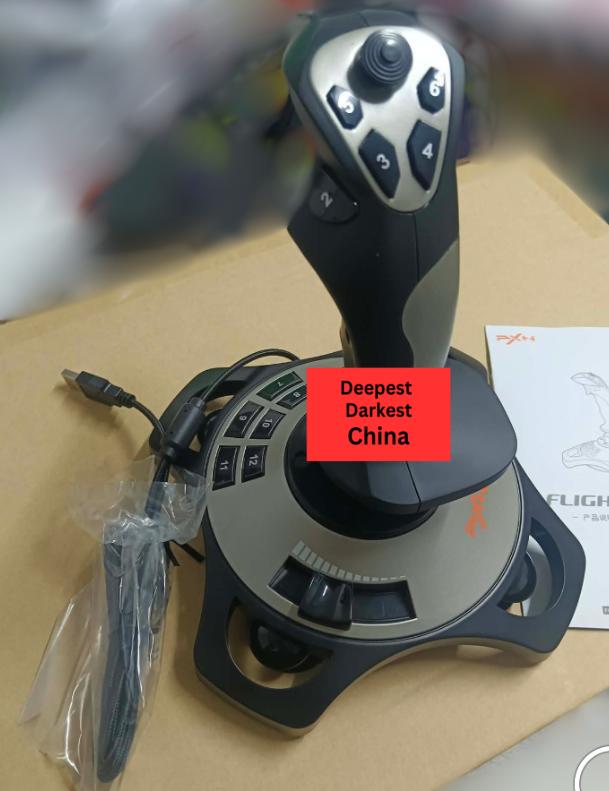
The molded grip is comfortable to hold and places the primary controls within easy reach. The top-mounted hat switch provides a familiar layout for flight simulator users and offers positive tactile feedback when changing viewpoints.
One thing to note is the design is for right-handed use and cannot be reversed.
The base includes 4 moderately sized suction cups designed to help keep the joystick in place during use. These work reasonably well on smooth surfaces and help compensate for the relatively lightweight design.
The integrated throttle slider is positioned on the base of the unit. While functional, its placement may feel unusual to some users, particularly those accustomed to separate throttle quadrants or side-mounted throttles and on our sample had some friction sliding it back to 0%
Performance & Thoughts
In everyday use, the PXN-2113 performs better than its budget positioning might suggest. It’s a very solid joystick on-par with other gaming oriented flight sticks such as the once legendary Logitech Wingman.
Axis movement feels smooth and reasonably accurate, making it suitable for casual flight simulation, space simulation and aviation games. Pitch, roll and yaw inputs are predictable and linear, allowing for precise aircraft control once familiar with the joystick’s characteristics.
One aspect that may divide users is the spring tension. The centring spring is relatively strong, requiring more force than some competing joysticks. While this helps return the stick to centre accurately, it may become tiring during longer flying sessions. Unfortunately, the spring tension is not adjustable.
Button quality is generally very good, and the POV hat switch performs reliably for camera movement and cockpit navigation. The layout of the buttons provides 12 programmable inputs which should be plenty and suitably placed for most casual flight simulation scenarios (brakes, trim, flaps etc).
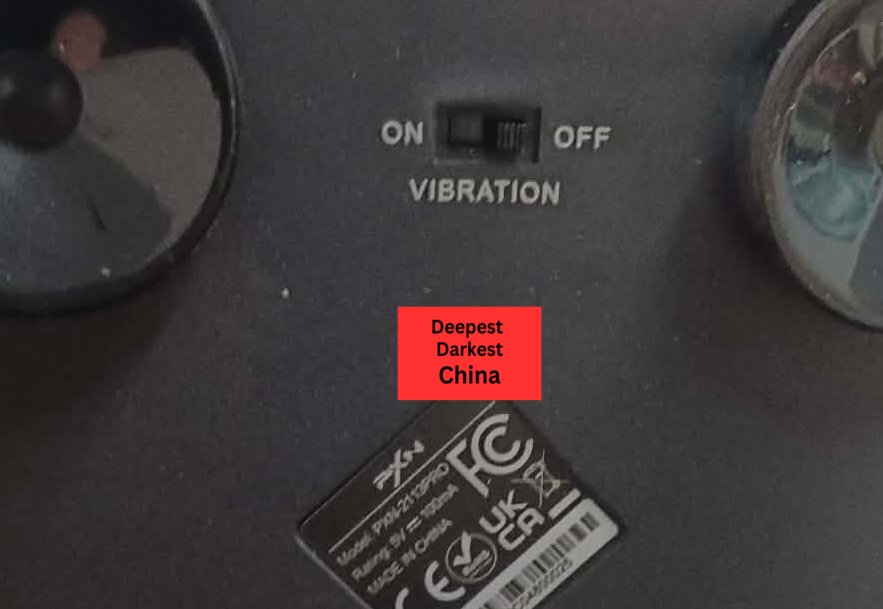
The stick does have a ‘vibration’ feature to simulate aspects like gunfire, stall buffeting and taxiing over rough surfaces, this can be switched on & off with using a switch on the underside of the Joystick. This functionality is game specific and not all games support this.
Once plugged in, the joystick should be detected automatically without requiring additional driver installation however Windows drivers are available online if needed. For our testing we used Linux Mint 22.3 and Aerofly FS 4 which detected the stick immediately.
For users entering the hobby or seeking an inexpensive secondary joystick, the PXN-2113 offers respectable performance for the price.
Who Is This Flight Stick For?
The PXN-2113 Pro Flight Stick is best suited to beginners, casual flight simulator enthusiasts and gamers who want a dedicated joystick without spending a significant amount of money.
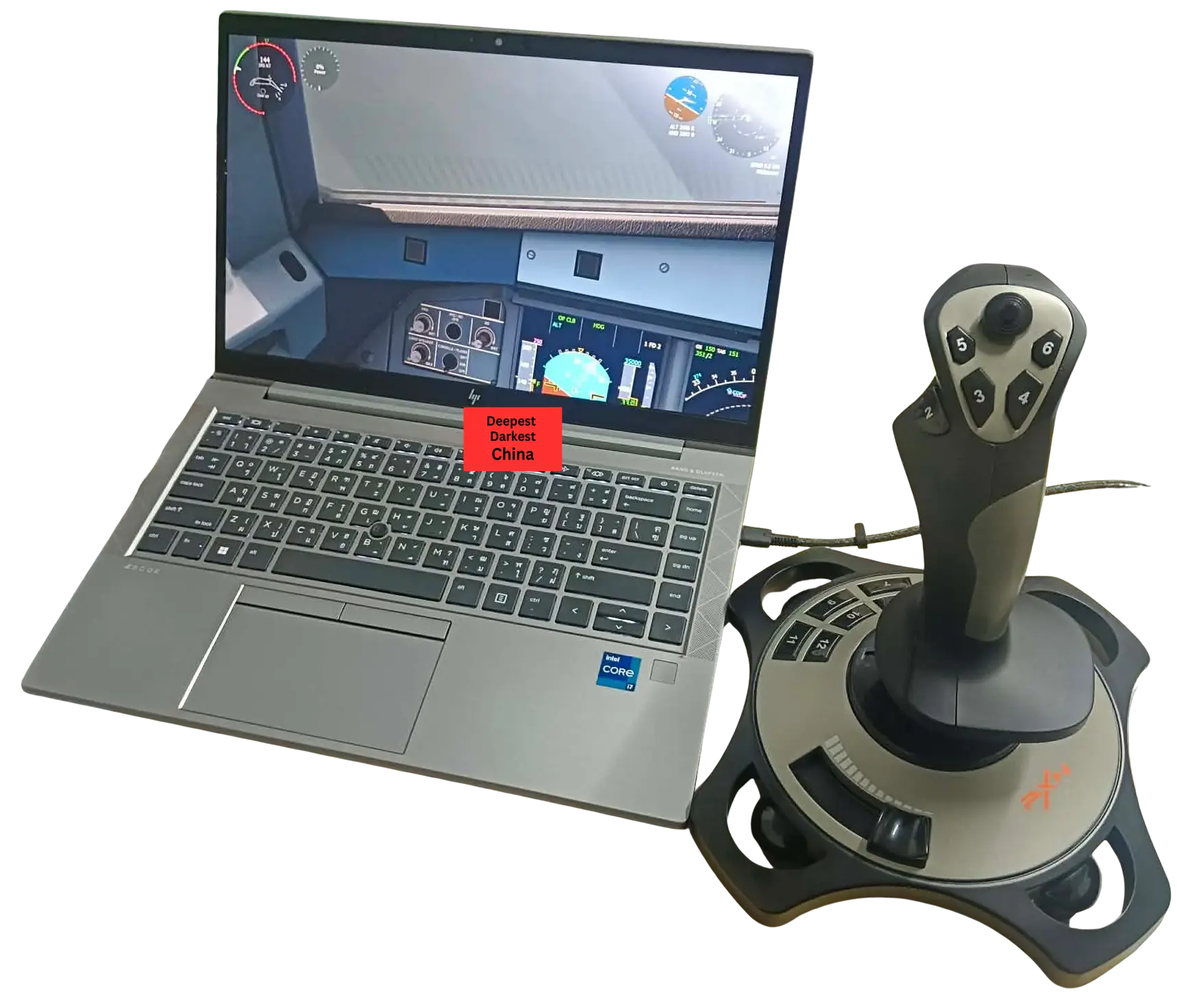
It is particularly well suited to players of Microsoft Flight Simulator, X-Plane, War Thunder, Elite Dangerous and similar titles who want more immersive controls than a keyboard and mouse can provide. As a single device it you pitch (up and down), roll/bank (side to side), yaw/rudder (left to right) and a throttle axis.
More experienced enthusiasts may eventually find themselves wanting additional controls, higher-quality sensors and separate throttle hardware, but for newcomers the PXN-2113 offers an accessible entry point into the world of flight simulation.
Purchasing & Cost
The PXN-2113 Pro Flight Stick is positioned firmly within the budget flight simulation market and one of the cheapest decent joysticks on the market.
Pricing varies depending on retailer and region, but it is generally available at a significantly lower cost than enthusiast-focused products from manufacturers such as Logitech, Thrustmaster and VKB.
We purchased this stick for 1363฿ (~USD$41.77) including shipping on Lazada, however it is readily available on other sites such as Aliexpress for a similar price.
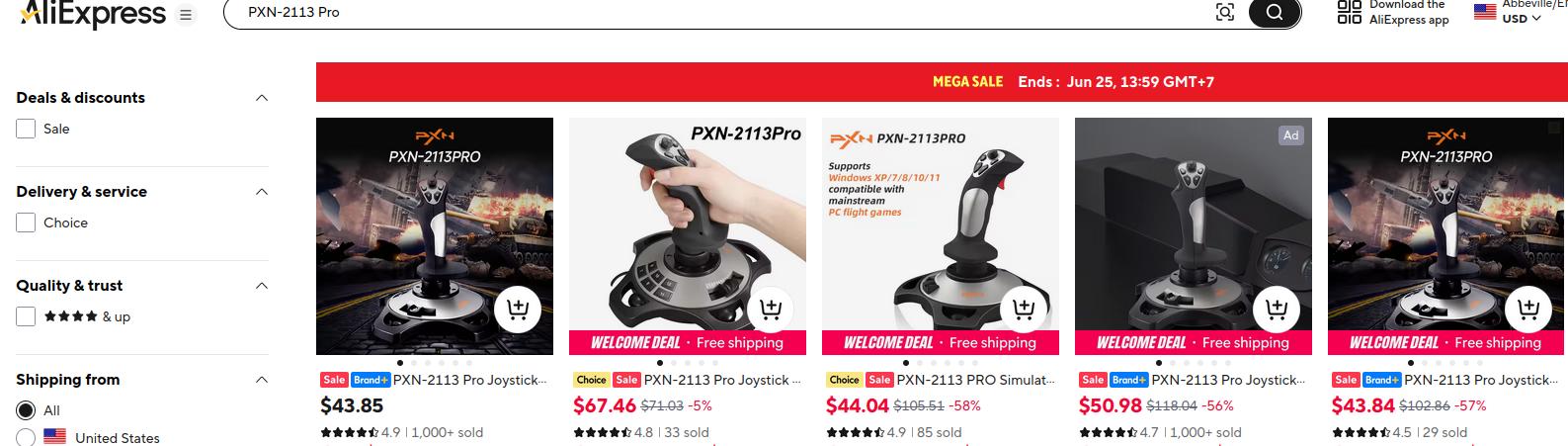
This makes it an attractive option for beginners, students or gamers who want to explore flight simulation without making a substantial investment.
Wrap-up
The PXN-2113 Pro Flight Stick delivers a surprisingly capable flight simulation experience at an affordable price point. It avoids unnecessary complexity and focuses on providing the essential controls required for casual flying and gaming.
While the strong spring tension and unconventional throttle placement may not suit every user, the joystick’s solid build quality, accurate controls and straightforward setup make it an appealing entry-level option.
For newcomers to flight simulation or gamers seeking a low-cost USB joystick, the PXN-2113 represents good value and offers more performance than its modest price might suggest.
What’s Hot
- Sturdy plastic construction
- Suction cups on the bottom to secure it to the desk, a common problem with joysticks
- Good selection of 12 programmable buttons across the stick and base
- Responsive and accurate POV hat switch
- Accurate linear travel on all axis without a complex calibration
- Plug-and-play operation with no driver installation required
- Lightweight and compact design, perfect for space constrained users
- Excellent value for budget-conscious users
What’s Not
- Spring tension is quite strong and cannot be adjusted
- Throttle slider placement feels awkward
- Plastic construction lacks the premium feel of higher-end flight sticks
Where to Buy
The PXN-2113 Pro Flight Stick is widely available through major online retailers, gaming accessory stores and regional marketplaces. Prices and availability will vary depending on your location.
What are your thoughts? Let us know in the comments below